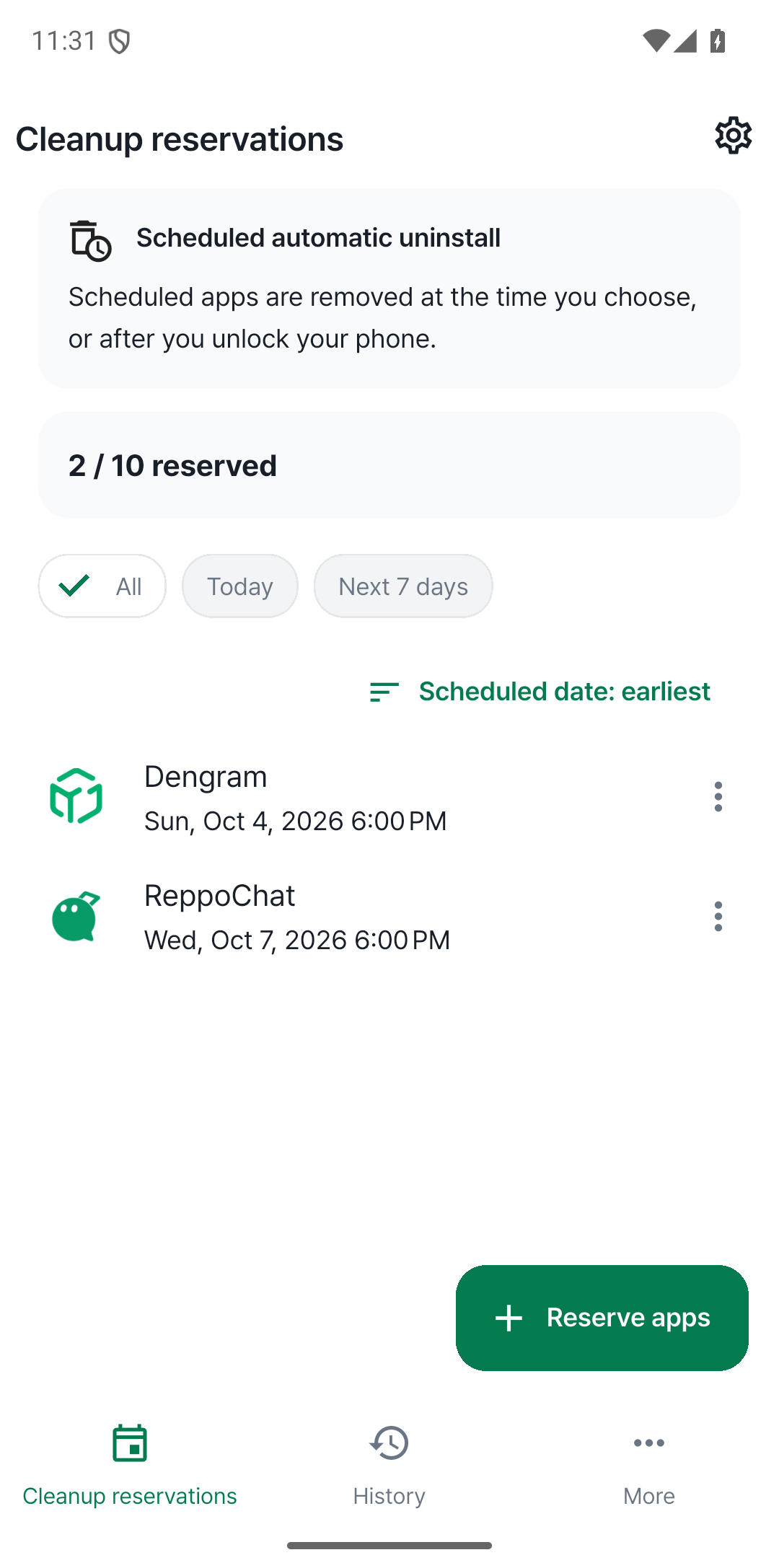
Use it for a while.
Let it go on time.
AppExpire lets you decide when to uninstall an app in advance. Use it for as long as you need, then let AppExpire take care of removing it.
Android · Coming soon · No login required
AppExpire lets you decide when to uninstall an app in advance. Use it for as long as you need, then let AppExpire take care of removing it.
Android · Coming soon · No login required
An app for a trip, an event, or something you wanted to try. It was useful at the time, but is it still sitting on your phone because you forgot to remove it?
Choose an app and set a date and time. Select several apps and schedule them together.
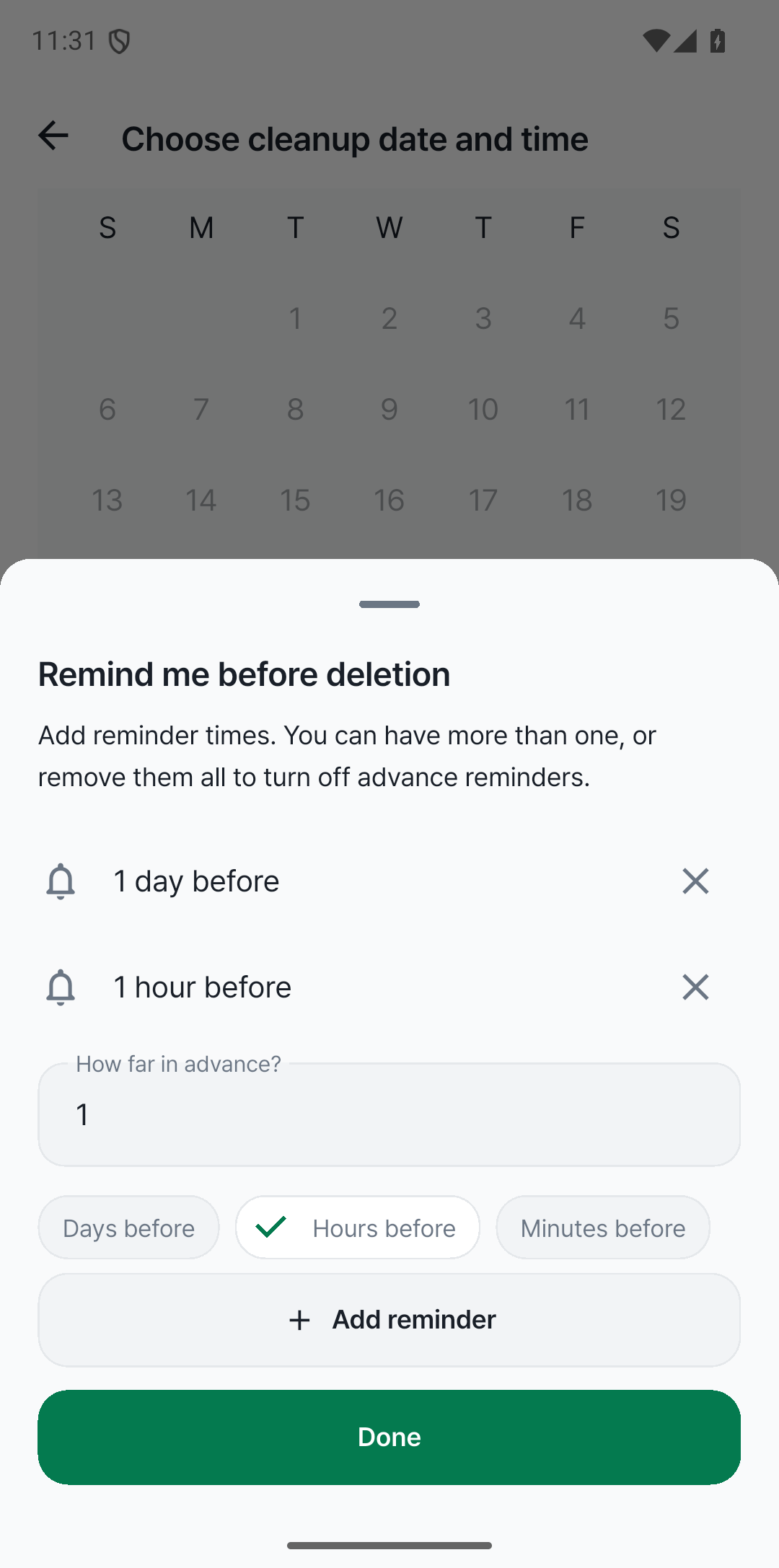
Receive a reminder a day before, an hour before, or whenever suits you. Add multiple reminders in days, hours, or minutes.
No sign-up or login. Schedules and history are stored on your device. Available in Korean, English, Japanese, Simplified and Traditional Chinese, French, German, and Spanish.
Select the apps you only need for a while Schedule them together
Pick a day on the calendar Set the time that suits you
A day before, an hour before Get reminders when you want them
Select several apps and schedule them together.
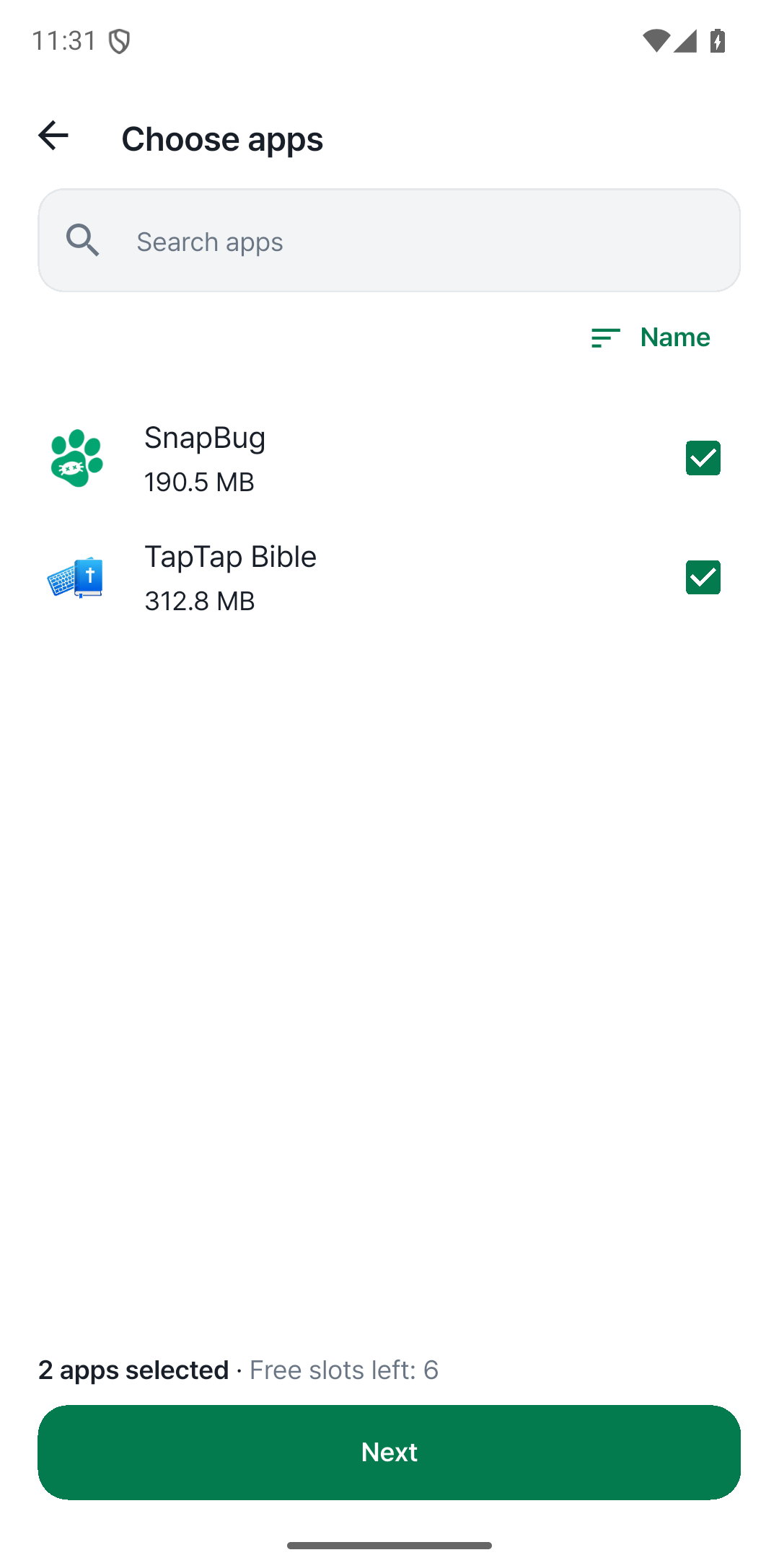
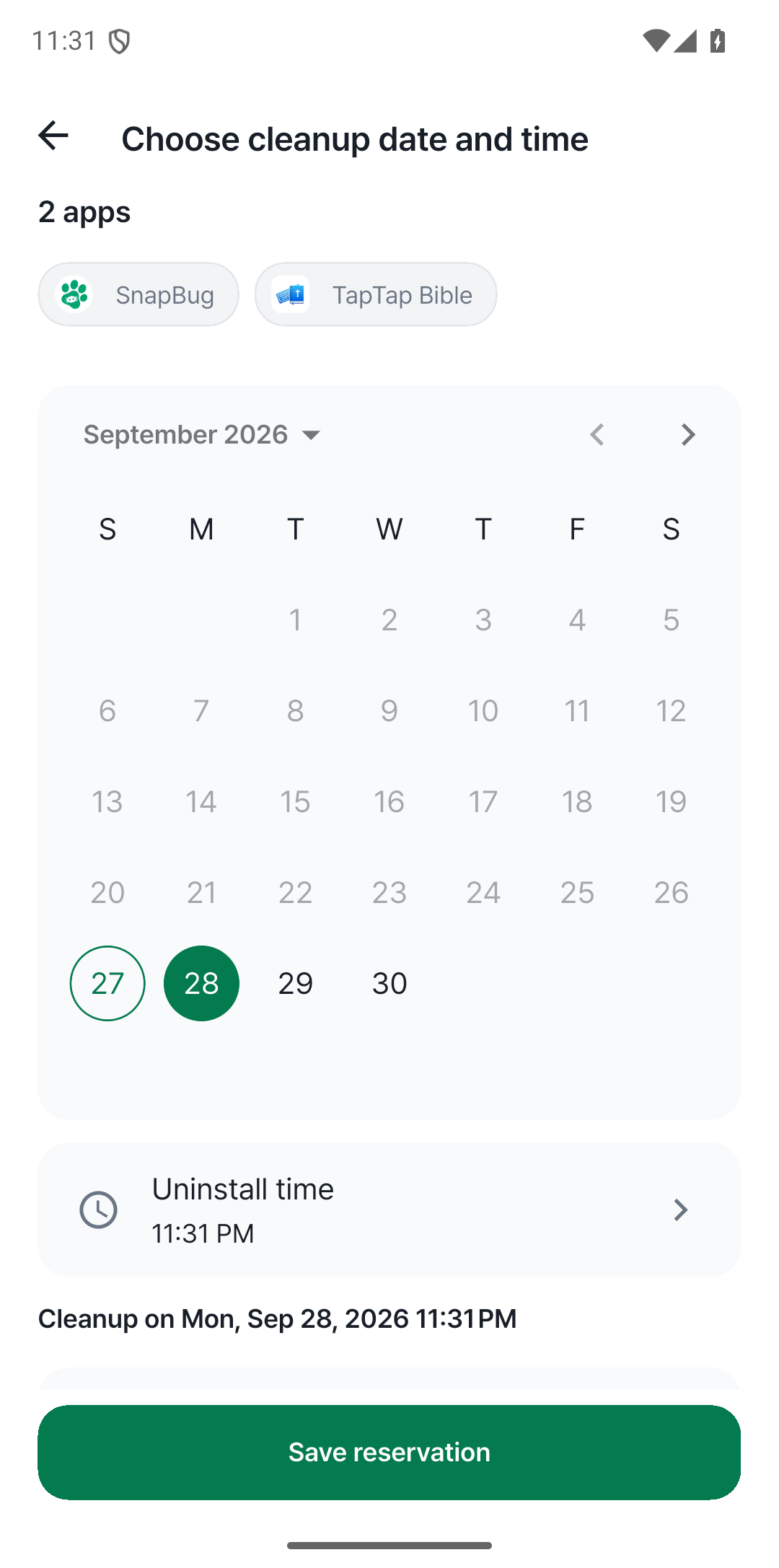
Choose an app and set a date and time.
Receive a reminder a day before, an hour before, or whenever suits you. Add multiple reminders in days, hours, or minutes.
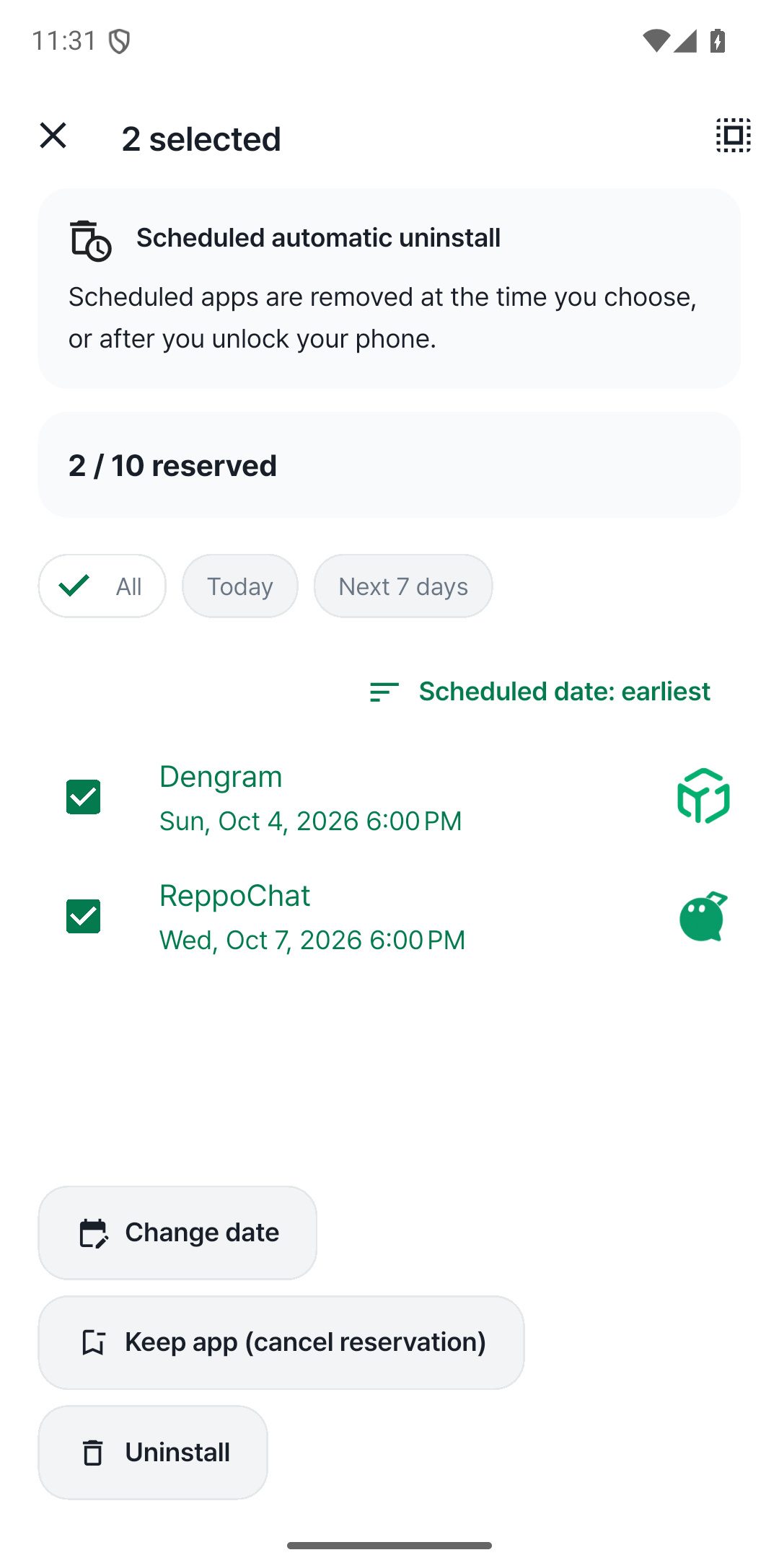
Long-press an app in your schedule to select several, then change their dates or cancel their schedules together.
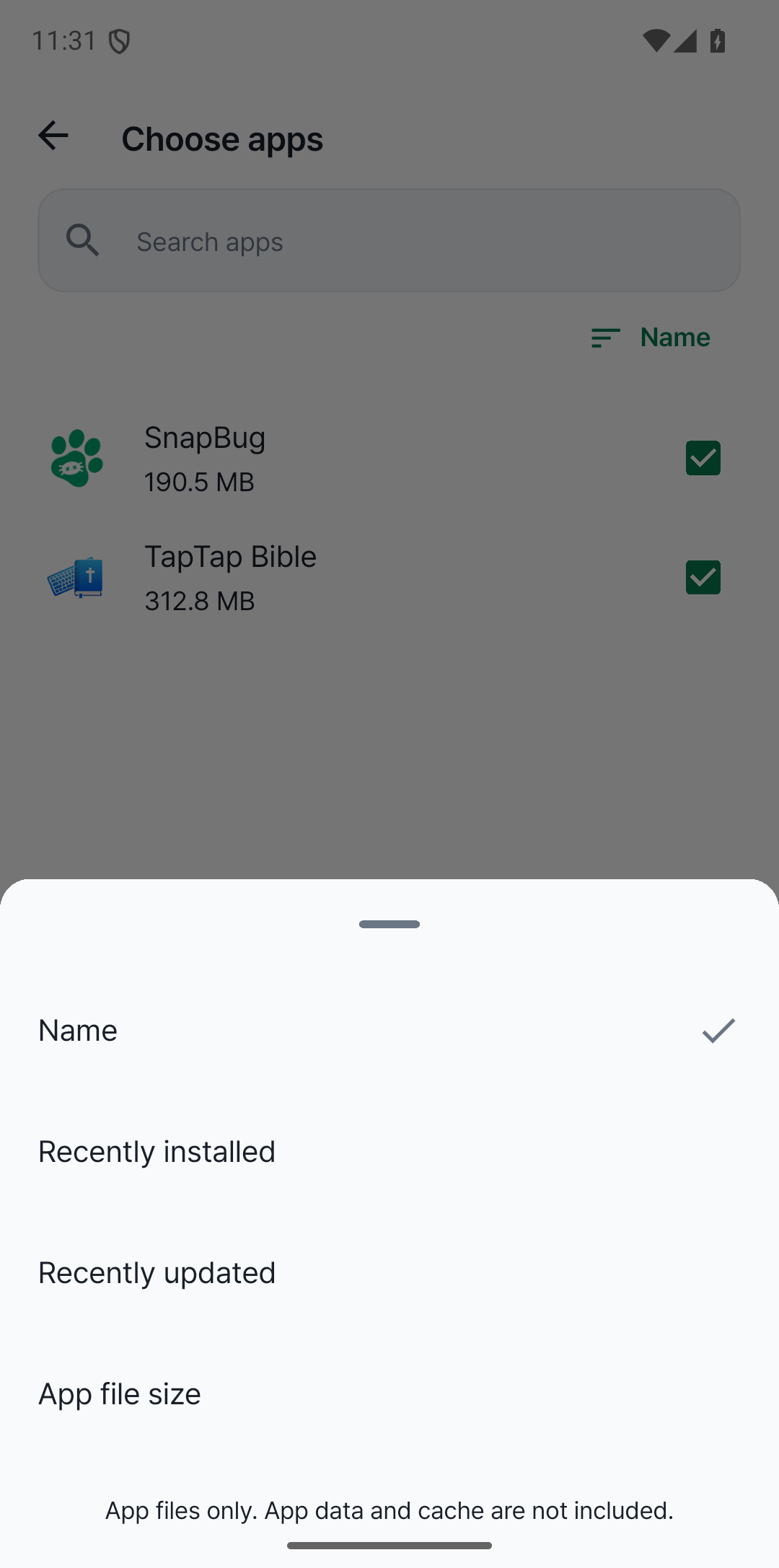
Search by name and sort apps by installation date, last update, or app file size.
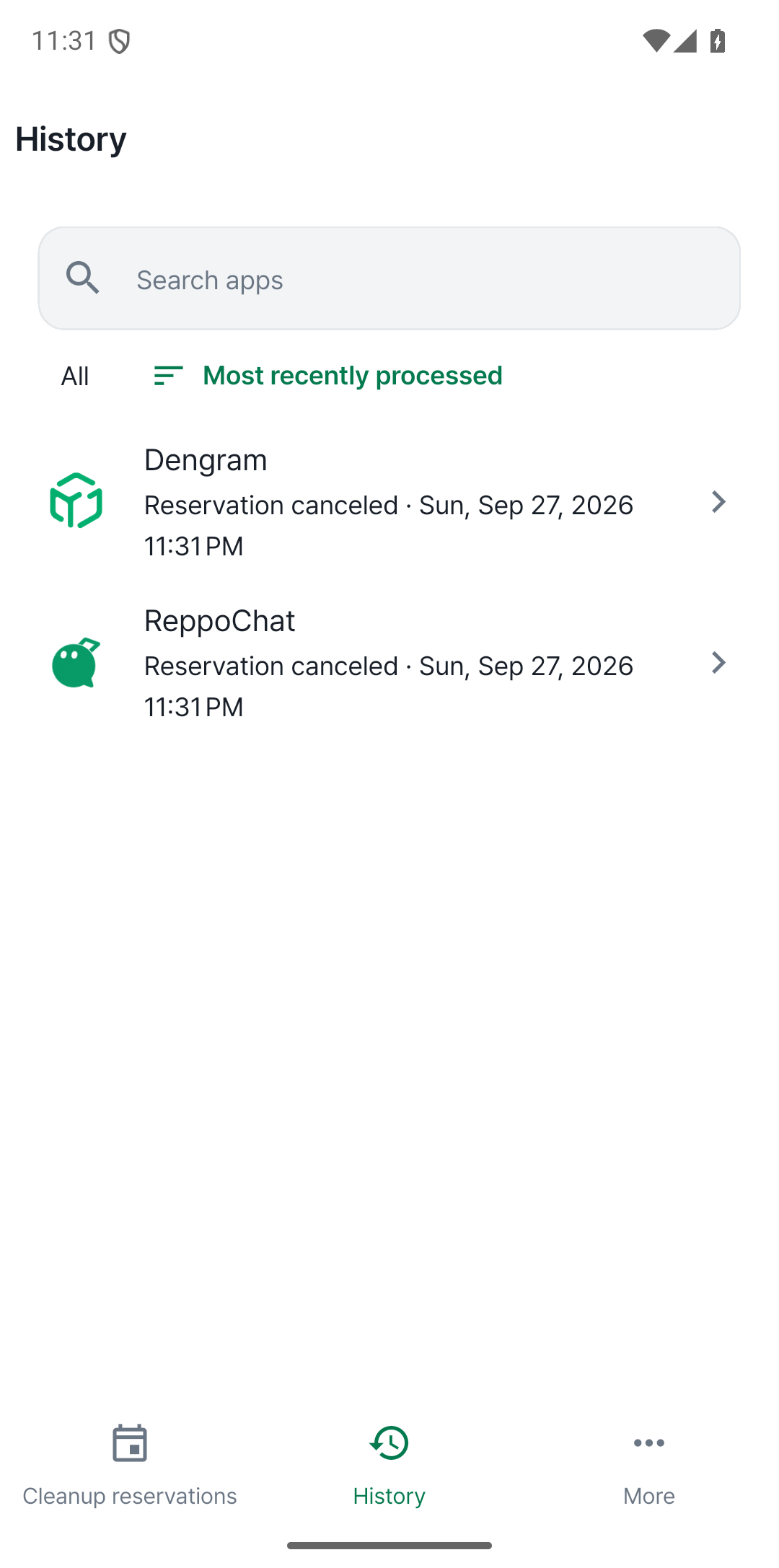
Find removed apps and canceled schedules in your history. Tap an entry to see its scheduled date and processing record. Names and icons stay in your history after removal, so apps are easy to recognize.
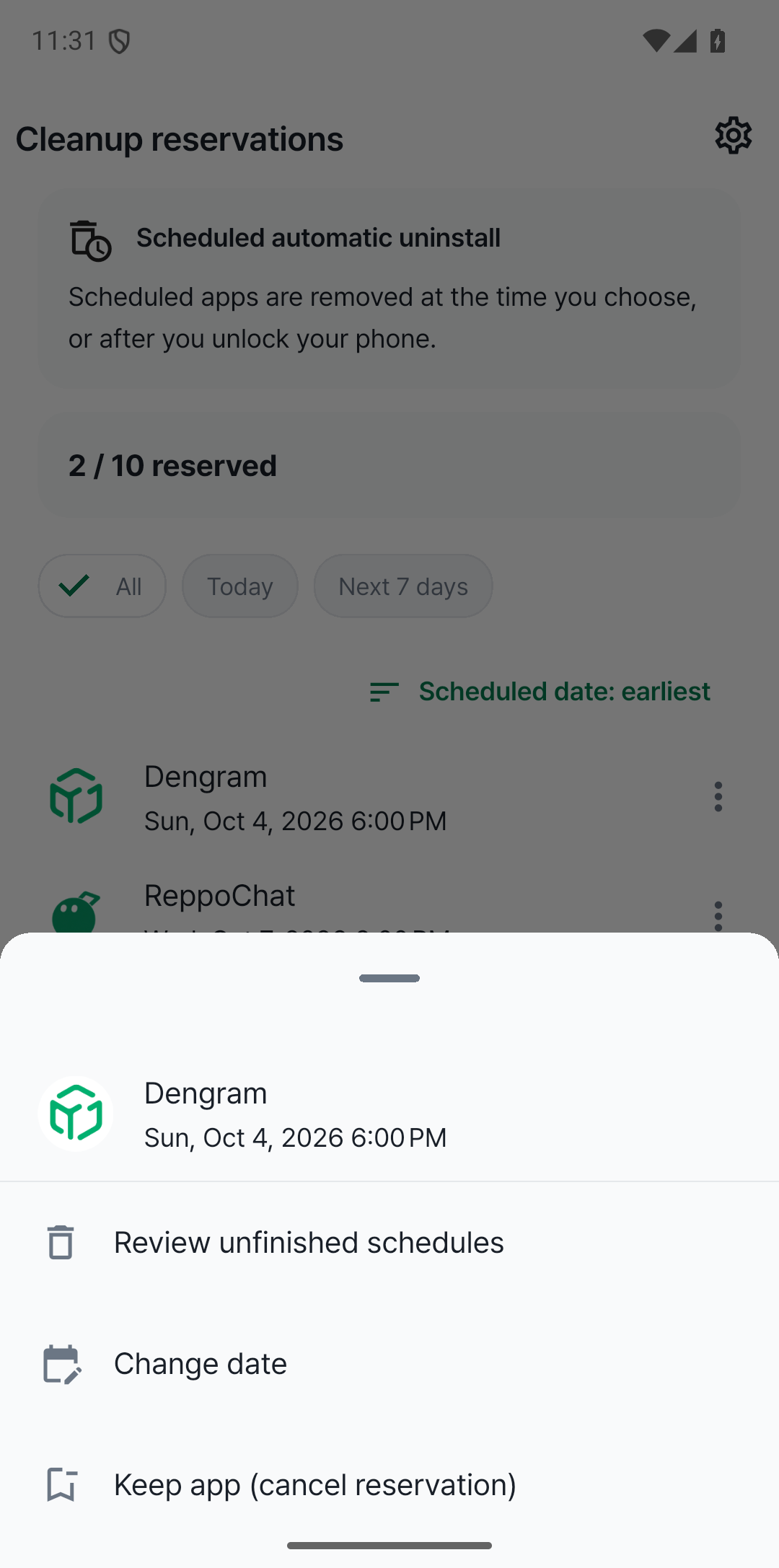
Need an app for longer? Change its date or cancel the schedule to keep it.
AppExpire lets you decide when to uninstall an app in advance. Use it for as long as you need, then let AppExpire take care of removing it.
Scheduled apps are uninstalled without reopening AppExpire. If the screen is off or locked, removal continues after you next unlock your phone.
Need an app for longer? Change its date or cancel the schedule to keep it.
Search by name and sort apps by installation date, last update, or app file size. Long-press an app in your schedule to select several, then change their dates or cancel their schedules together. See just the apps due today or in the next seven days.
Find removed apps and canceled schedules in your history. Tap an entry to see its scheduled date and processing record. Names and icons stay in your history after removal, so apps are easy to recognize.
No sign-up or login. Schedules and history are stored on your device. Available in Korean, English, Japanese, Simplified and Traditional Chinese, French, German, and Spanish.
Pick your apps and set a date. AppExpire takes care of the cleanup.
Android · Coming soon · No login required